
Links, QR & the launcher
Это содержимое пока не доступно на вашем языке.
Every published project can travel four ways — all fed by the same published state.
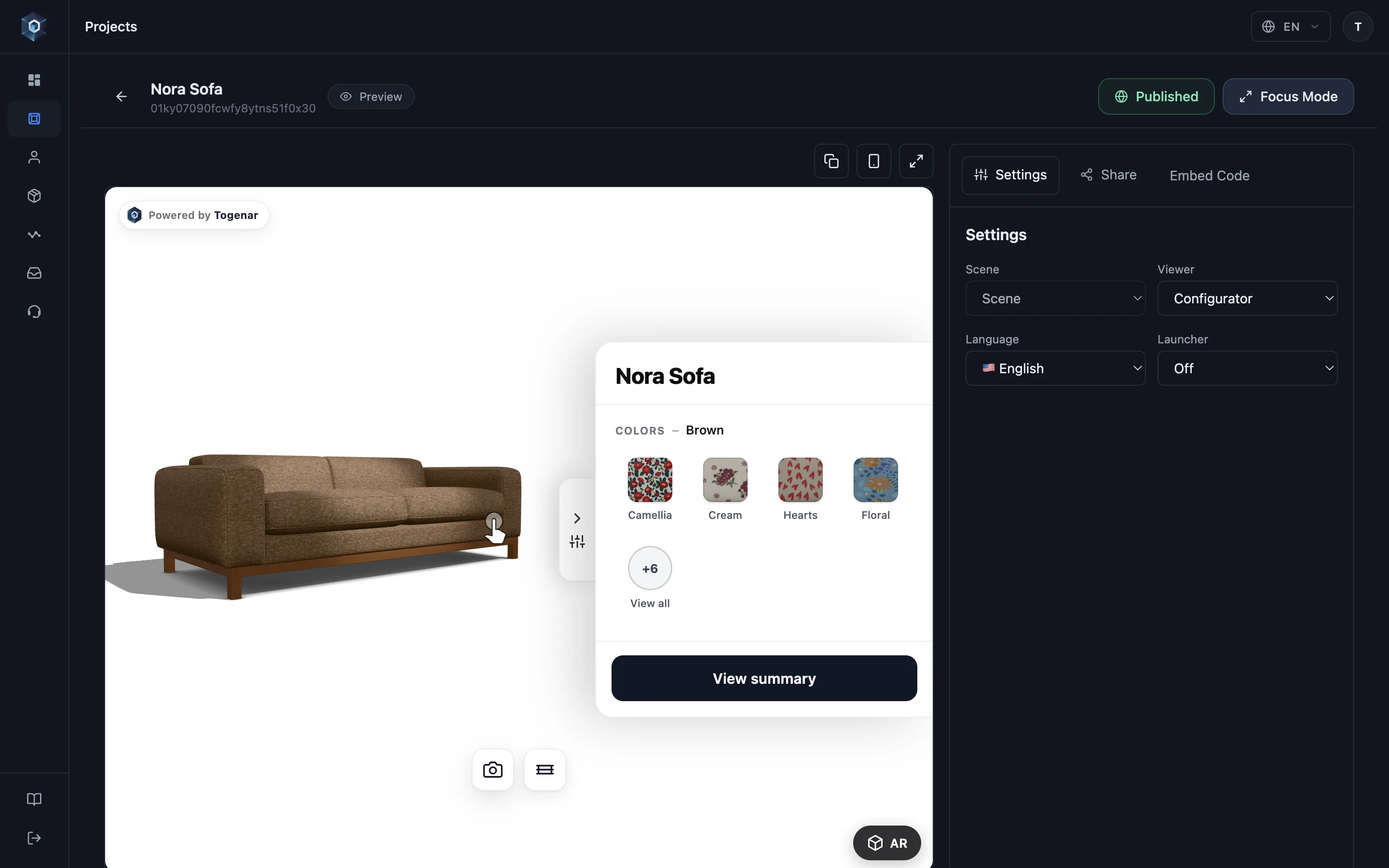
Откройте вкладку Share — здесь собраны все публичные каналы доступа.
Вот и весь процесс — попробуйте вживую.
- Откройте вкладку Share — здесь собраны все публичные каналы доступа.
- Direct Viewer — готовая страница продукта: скопируйте ссылку и отправьте любому клиенту.
- Ссылка лаунчера подстраивается под устройство — просмотр на десктопе, AR на телефонах.
- Launcher iFrame переносит тот же опыт на любую страницу — один фрагмент кода, без разработки.
Public link
Section titled “Public link”Copy the public link from the project’s share drawer — the canonical viewer page for desktop and mobile browsers.
Short link & QR
Section titled “Short link & QR”The short link (…/s/{code}) is the print-friendly form, and the QR code
encodes it. Download the QR for catalogues, price tags and fair booths; codes can be
regenerated from the panel if you ever need to invalidate printed material.
Branded QR
Section titled “Branded QR”On plans with Custom Branding, the QR can carry your colours and a centre logo. Set them for the project you are working on under AR Launch → QR Branding; they apply to that project’s codes.
Add the logo either by uploading a file (PNG, JPG or WebP, up to 2 MB) or by pasting an image link; pasted links are fetched and copied to the Togenar CDN automatically, so the code keeps working even if the original file moves, and the logo renders reliably everywhere the QR is drawn.
One identity across a whole catalogue
Section titled “One identity across a whole catalogue”Setting the same logo and the same colours on twenty projects one at a time is not how a catalogue should be run. A workspace carries a branding default that every project inherits — configured once, it applies across all of them, existing projects included, and every project you create afterwards starts already branded.
A project can still override the default when a campaign genuinely needs its own look — or the default can keep chosen fields fixed, so no single project drifts from the brand. Rebranding later is then one change instead of twenty.
Togenar sets the workspace default up for you: open a ticket with your logo and brand colours once.
The launcher
Section titled “The launcher”Short links and QR codes open the launcher — a device-adaptive page:
- Desktop → the interactive 3D viewer.
- Phones → straight into AR, no detours.
The launcher is also embeddable (launcher URL / launcher iframe) when you want an
AR-first entry on your own page instead of the inline viewer; the embed’s
mode="launcher" attribute does the same
(see Attributes reference). A Disable launcher button
setting removes the launcher entry from surfaces where you don’t want it.
Plan note: launcher links and launcher embeds need the AR Support entitlement — direct viewer sharing works on every plan (see Plans & billing).
Configuration permalinks — the URL is the state
Section titled “Configuration permalinks — the URL is the state”In configurators, the shopper’s selection is written into the URL as they pick, and
every selection state has a share URL that rebuilds the exact configuration. This is
the same shareUrl the embed reports to your store — worth persisting on order lines
(see Add to cart).
Two guarantees make these links durable:
- A permalink outlives your edits: it encodes the selection, and loads against the project as currently published.
- If your rules have since made that selection invalid, the engine auto-corrects to the nearest valid state on load — old links never render broken products.