
Base part & assembly
Это содержимое пока не доступно на вашем языке.
Multi-part products (body + legs + cushion) are assemblies: several models rendered together as one product, each part swappable on its own.
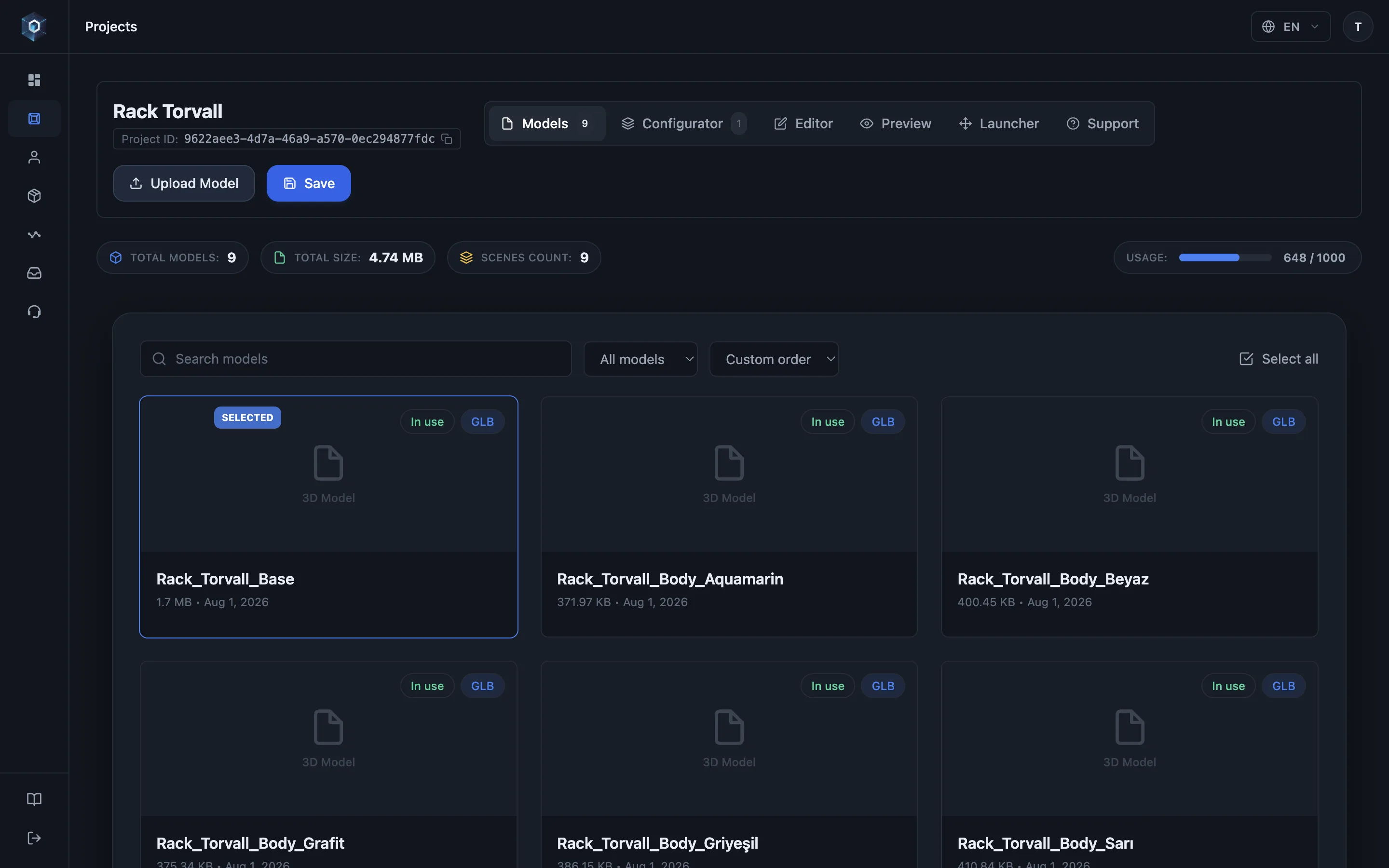
Многочастные продукты — это сборки: несколько моделей отображаются как один продукт, каждая часть заменяется отдельно.
Вот и весь процесс — попробуйте вживую.
- Многочастные продукты — это сборки: несколько моделей отображаются как один продукт, каждая часть заменяется отдельно.
- Первая часть — базовая: она закреплена сверху, камеры кадрируются по ней, остальные части позиционируются относительно неё.
- Добавьте часть — она мгновенно встаёт на место: позиция берётся из экспортированных координат самой модели. Ноль ручной подгонки.
- Нужно исключение? Включите free move и разместите часть гизмо — трансформация сохраняется вместе с конфигурацией.
The base part
Section titled “The base part”The first part of a product is its base — pinned to the top of the part list, and reordering never changes it. The base anchors the assembly: cameras frame around it and the other parts position relative to its coordinate space.
To change which part is the base, use “Set as base part” on another part — that is the only way; dragging parts around the list deliberately has no effect on base status.
How parts know where to sit
Section titled “How parts know where to sit”Placement comes from each model’s exported coordinate frame. Export every part positioned where it belongs relative to the assembled product (all in one shared origin), and the assembly lines up with zero manual work — see Preparing models.
If a part needs manual placement, enable Free move and drag it with the gizmo. The transform persists with the configuration.
Loading behaviour shoppers see
Section titled “Loading behaviour shoppers see”Parts load in parallel and reveal together — the product never builds up piece by piece in front of the shopper. On a variation swap, the previous part stays visible until its replacement is ready, so the model never flashes or gaps.
Assemblies in AR
Section titled “Assemblies in AR”The shopper’s exact selection ships to AR as one merged model — see AR overview.