
Base part & assembly
Multi-part products (body + legs + cushion) are assemblies: several models rendered together as one product, each part swappable on its own.
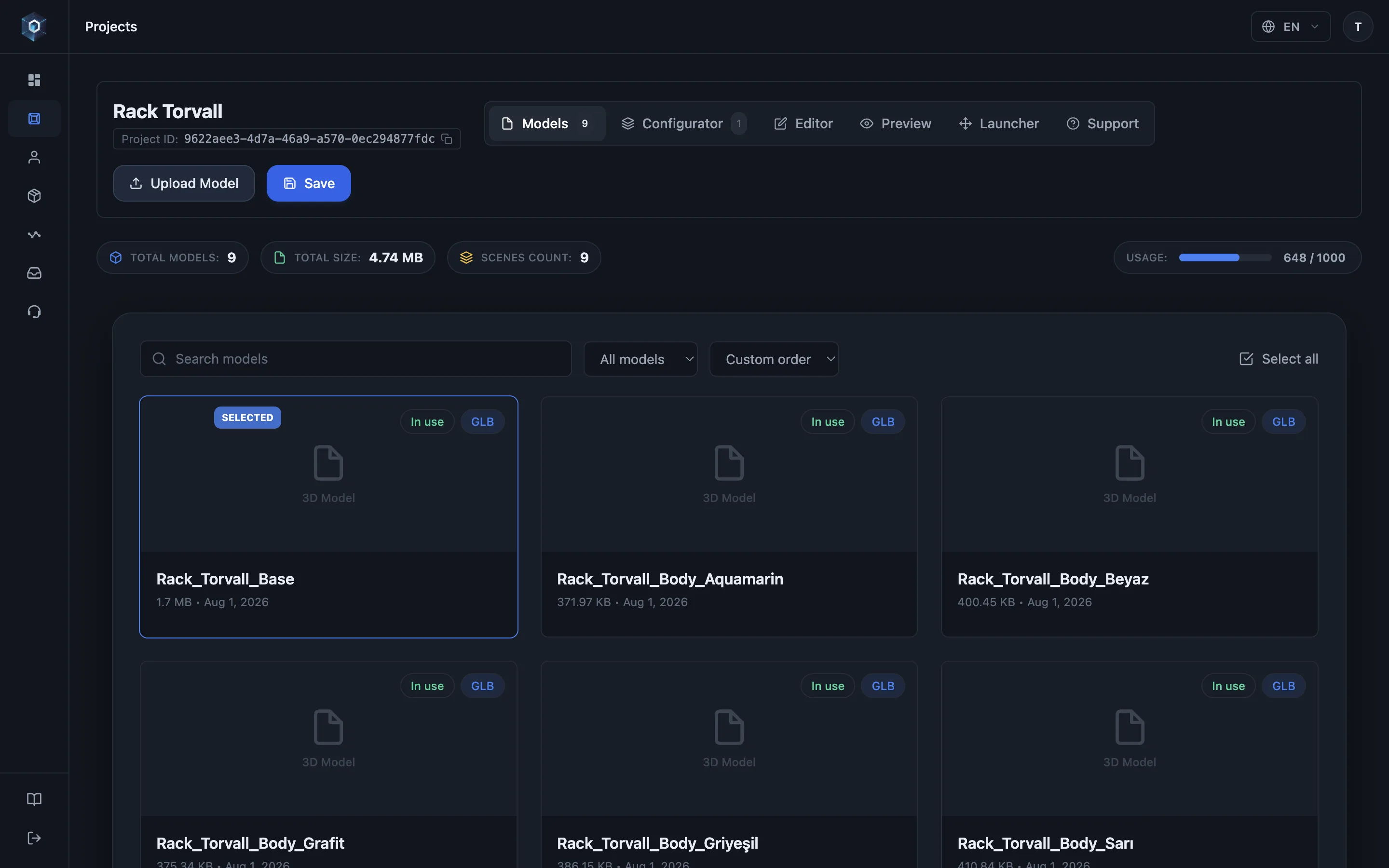
Multi-part products are assemblies — several models rendered as one product, each part swappable on its own.
That’s the whole flow — now try it live.
- Multi-part products are assemblies — several models rendered as one product, each part swappable on its own.
- The first part is the base — pinned to the top; cameras frame around it and other parts position relative to it.
- Add a part and it snaps into place instantly — placement comes from the model’s own exported coordinates. Zero manual alignment.
- Need an exception? Turn on free move and place the part with the gizmo — the transform persists with the configuration.
The base part
Section titled “The base part”The first part of a product is its base — pinned to the top of the part list, and reordering never changes it. The base anchors the assembly: cameras frame around it and the other parts position relative to its coordinate space.
To change which part is the base, use “Set as base part” on another part — that is the only way; dragging parts around the list deliberately has no effect on base status.
How parts know where to sit
Section titled “How parts know where to sit”Placement comes from each model’s exported coordinate frame. Export every part positioned where it belongs relative to the assembled product (all in one shared origin), and the assembly lines up with zero manual work — see Preparing models.
If a part needs manual placement, enable Free move and drag it with the gizmo. The transform persists with the configuration.
Loading behaviour shoppers see
Section titled “Loading behaviour shoppers see”Parts load in parallel and reveal together — the product never builds up piece by piece in front of the shopper. On a variation swap, the previous part stays visible until its replacement is ready, so the model never flashes or gaps.
Assemblies in AR
Section titled “Assemblies in AR”The shopper’s exact selection ships to AR as one merged model — see AR overview.